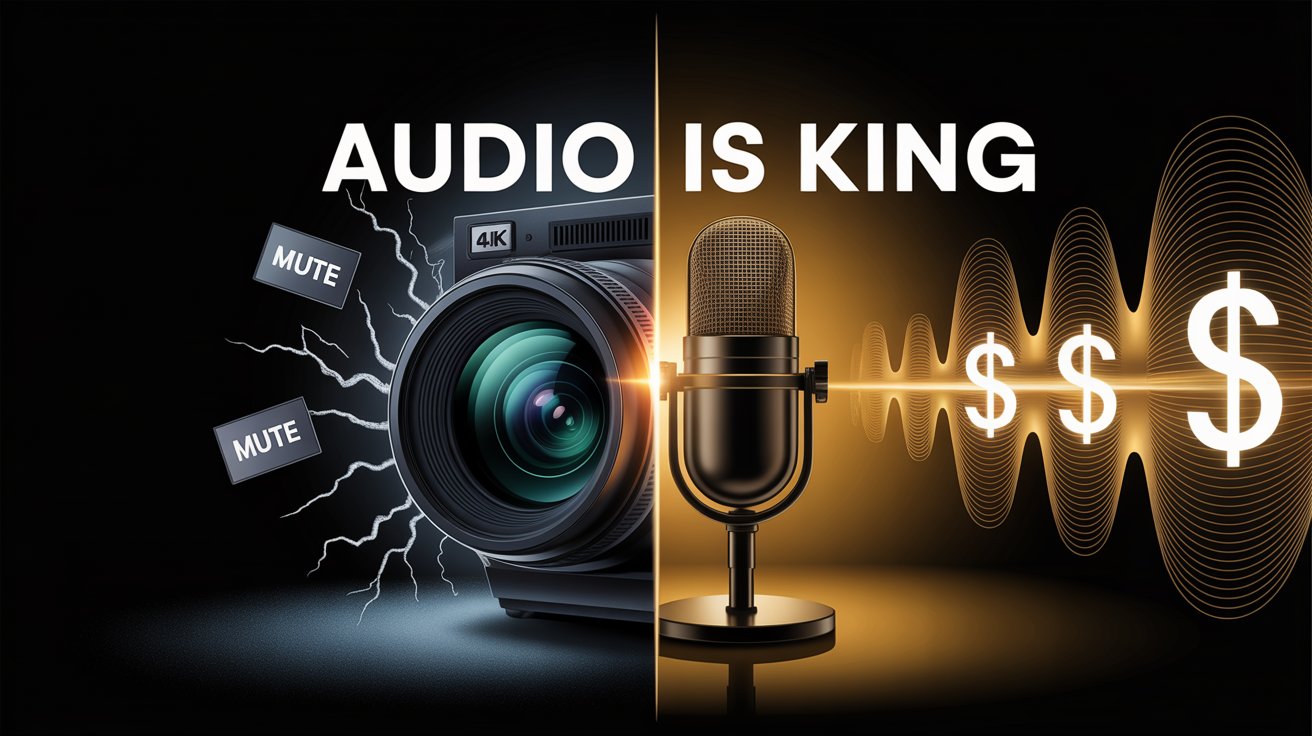
If you ask a new streamer what their next upgrade is, 90% will say: "I need a Sony Alpha camera" or "I need a better lighting setup."
If you ask a sophisticated sponsor what matters most, they will point to the microphone.
In the streaming economy of 2026, Audio is King. While video quality is "nice to have," audio quality is "must-have." A viewer will watch a pixelated 720p stream for hours if the commentary is engaging. But if the microphone crackles, peaks, or picks up keyboard clicking? They click away in less than 10 seconds.
For brands, this isn't just about aesthetics. It’s about Message Clarity and ROI.
1. The "Radio Effect": Why We Listen More Than We Watch
Live streaming is often a "second monitor" experience. Many viewers treat Twitch and YouTube Live like podcasts. They are working, gaming, or cooking while the stream plays in the background.
-
Visual Attention: Intermittent (they look when something exciting happens).
-
Auditory Attention: Constant (they are always listening).
If your sponsorship message is delivered through a muddy, echoing microphone, the user literally misses the pitch. You are paying for an ad that no one can decipher.
2. The Sponsor's Nightmare: "The Keyboard Clack"
Nothing destroys a premium brand image faster than amateur audio.
Imagine a heartfelt shoutout for a luxury watch or a high-end VPN. The streamer is reading the script, but all the audience hears is:CLACK-CLACK-CLACK (Mechanical keyboard noise)BZZZZZT (Air conditioner hum)
The result? The audience gets annoyed. Subconsciously, they associate that annoyance with your product. This is why checking audio quality is just as important as checking for Red Flags like viewbots.
3. The "Big Three" Filters: A Quick Technical Audit
Whether you are a streamer looking to upgrade, or a brand manager auditing a potential partner, look for the presence of these three audio filters. In OBS Studio, these are free, but they make a $50 mic sound like a $500 mic.
A. Noise Suppression (The Silencer)
Does the mic pick up the fan in the background?
-
The Standard: Use RNNoise (AI-based suppression). It cuts out fans, cars outside, and computer hums without making the voice sound robotic.
B. Compressor (The Balancer)
Does the streamer whisper one second and scream the next?
-
The Goal: A compressor makes loud sounds quieter and quiet sounds louder. It keeps the volume consistent.
-
Why it matters for Ads: It ensures your brand name isn't lost when the streamer whispers, and viewers don't go deaf when the streamer laughs.
C. Limiter (The Safety Net)
Does the audio "clip" (distort) when they get excited?
-
The Rule: Audio should never hit 0dB (the red zone).
-
The Fix: A Limiter prevents the audio from ever crossing a set threshold (e.g., -3dB). No matter how loud they scream, the audio remains clear.
4. How to Test Before You Buy (For Brands)
Don't trust the "Starting Soon" screen music. That is usually a pre-recorded high-quality file.
The "Clap Test":
-
Open the streamer's latest VOD.
-
Find a moment where they are not talking but are playing.
-
Can you hear their mouse clicking? Can you hear their PC fan?
-
Yes? They haven't set up Noise Suppression. Pass.
-
No (Dead silence)? They are pros. Buy.
-
Conclusion: Clarity Converts
In marketing, friction kills conversion. Bad audio is the ultimate friction. It forces the brain to work harder to understand the words.
If you are a streamer: Fix your mic before you buy a new lens. If you are a brand: Listen before you look.
Need to find professional streamers?StreamerRadar doesn't just filter by numbers. Streamers who care about their audio usually care about their community—and your brand.
